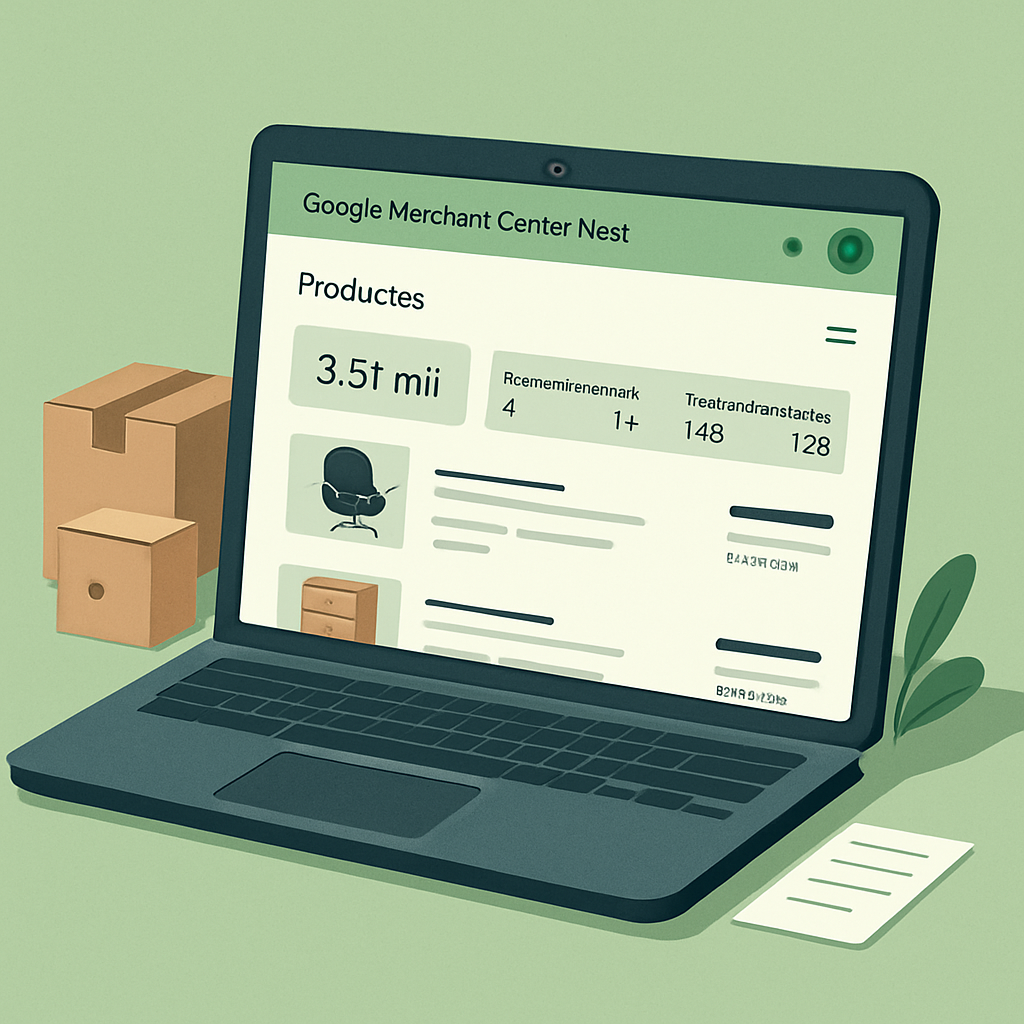
Activate Free Product Listings in Google Merchant Center Next
How to activate free listings in Google Merchant Center Next (and get sales without spending on ads)
Many e-commerce businesses are obsessed with paying for ads. But what they don’t know —or ignore— is that Google gifts visibility to those who properly configure their Merchant Center.
Yes. You read that right: free traffic, free clicks, free sales. They are called free product listings.
You don’t need to invest in Ads. You don’t need to launch campaigns. You just need a clean feed and a well-configured account. But watch out: if you don’t activate this program manually, it won’t activate itself. And that could be costing you hundreds or thousands of monthly visits.
In this guide, I explain step-by-step how to activate free listings in Merchant Center Next, what you need to keep in mind, and how to ensure you’re making the most of this feature.
What are free listings on Google?
It is a program within Merchant Center that allows your products to be shown directly in:
- Google Shopping results
- Google Search results (included in the «Shopping» tab)
- Google Images
- Google Lens
- Google Maps (if you have a physical store and activate local inventory)
All of this, without investing a single euro in advertising.
Why does Google do this?
Because it wants to improve the search experience by showing available, relevant, and real products… even if they aren’t ads. This allows smaller stores to compete against large players. And for you, it means a stable, qualified, and cost-free source of traffic.
Requirements to activate free GMC listings
Before activating the program, ensure you have:
- Active Google Merchant Center Next account.
- Verified and claimed domain.
- Approved product feed with no critical errors.
- Complete business information (shipping, returns, contact).
- Public and visible return policy on your website.
How to activate free listings step-by-step
- Access your Google Merchant Center.
- Go to the left sidebar and enter «Growth» or «Programs».
- Look for the «Free listings» program.
- Click «Get started» or «Join».
- Confirm availability, pricing, stock, and policies.
- Confirm and save. The system will analyze your feed.
Important: Even if you activate the program, if your feed has errors, you won’t appear. Activation ≠ showing. You need to have everything clean.
How to know if you are showing in free listings?
Go to «Reports» > «Free listings». If you see clicks and impressions, you are all set. If you don’t see data, your feed likely has errors.
Tips to maximize visibility
- Optimize titles with commercial keywords (e.g., “Ergonomic black office chair with wheels model R320”).
- Include complete attributes: brand, GTIN, color, material, dimensions.
- Avoid images with embedded text or logos.
- Update the feed daily. Google values freshness and consistency with your website.
How many sales can you get from this?
Experience shows us that qualified traffic arrives steadily when the foundations are well laid. It’s not just about clicks, but about buyers finding a flawless catalog. If you have PrestaShop and clear margins, this configuration is the logical next step toward operational optimization.
Having a healthy feed is often the difference between a store that depends exclusively on paid advertising and one that grows organically and sustainably.
FAQs about activating free listings
Can I have free listings and ads at the same time?
Yes. In fact, Google often shows your products in both channels if you have both options active.
Can it be activated without a product feed?
No. You need a properly configured feed so Google has the data to display.
How long does it take for the catalog to start showing?
24 to 72 hours if there are no errors.
Which products appear first?
Those with the most useful information, optimized titles, good image quality, and complete data.

¿Por qué elegimos a Avafa Consulting como nuestra agencia SEO? Tuvimos la oportunidad de trabajar anteriormente con Víctor García y su equipo en otro proyecto, y la experiencia fue muy positiva tanto por su profesionalismo como por los resultados obtenidos.
Ruben Albardias Idiarte
Communication & Digital Marketing Manager

Elegimos a Avafa Consulting por su enfoque estratégico del SEO como eje central de crecimiento digital... Su experiencia en eCommerce y Marketplaces es bien sabida.
Laia Valero
CEO de DESKandSITm